EPUB vs PDF: which format should you give readers?
· 3 min read
When you give away an ebook, you have to decide what format to hand over. The two that matter are EPUB and PDF. They suit different readers and different kinds of book, and for most authors the answer is to offer both while leading with one.
EPUB: the ebook standard
EPUB is the format built for reading. Text reflows to fit any screen, so readers can change the font, the size, and the spacing to suit them. It works in Apple Books, Kobo, Google Play Books and nearly every e-reader, and modern Kindles accept it through Amazon Send to Kindle. For a novel or any mostly-text book, EPUB is the more comfortable reading experience, especially on phones and e-readers, so it should be your main format.
PDF: fixed layout, opens anywhere
A PDF keeps an exact, fixed layout and opens on practically any device without special software. That makes it ideal for illustrated books, cookbooks, workbooks, checklists, or anything with a design you want preserved, and for readers who plan to print. The trade-off is that a PDF page does not reflow, so text sized for print can be uncomfortable to read on a small screen, and readers cannot adjust it.
EPUB vs PDF at a glance
| EPUB | ||
|---|---|---|
| Reading experience | Reflows to any screen | Fixed page layout |
| Adjustable font and size | Yes | No |
| Best for | Novels and mostly-text books | Illustrated books, workbooks, print |
| On phones | Comfortable | Often cramped |
| Opens on | Apple Books, Kobo, Google Play, Kindle (via Send to Kindle) | Almost any device |
| Preserves exact design | No | Yes |
Which should you offer?
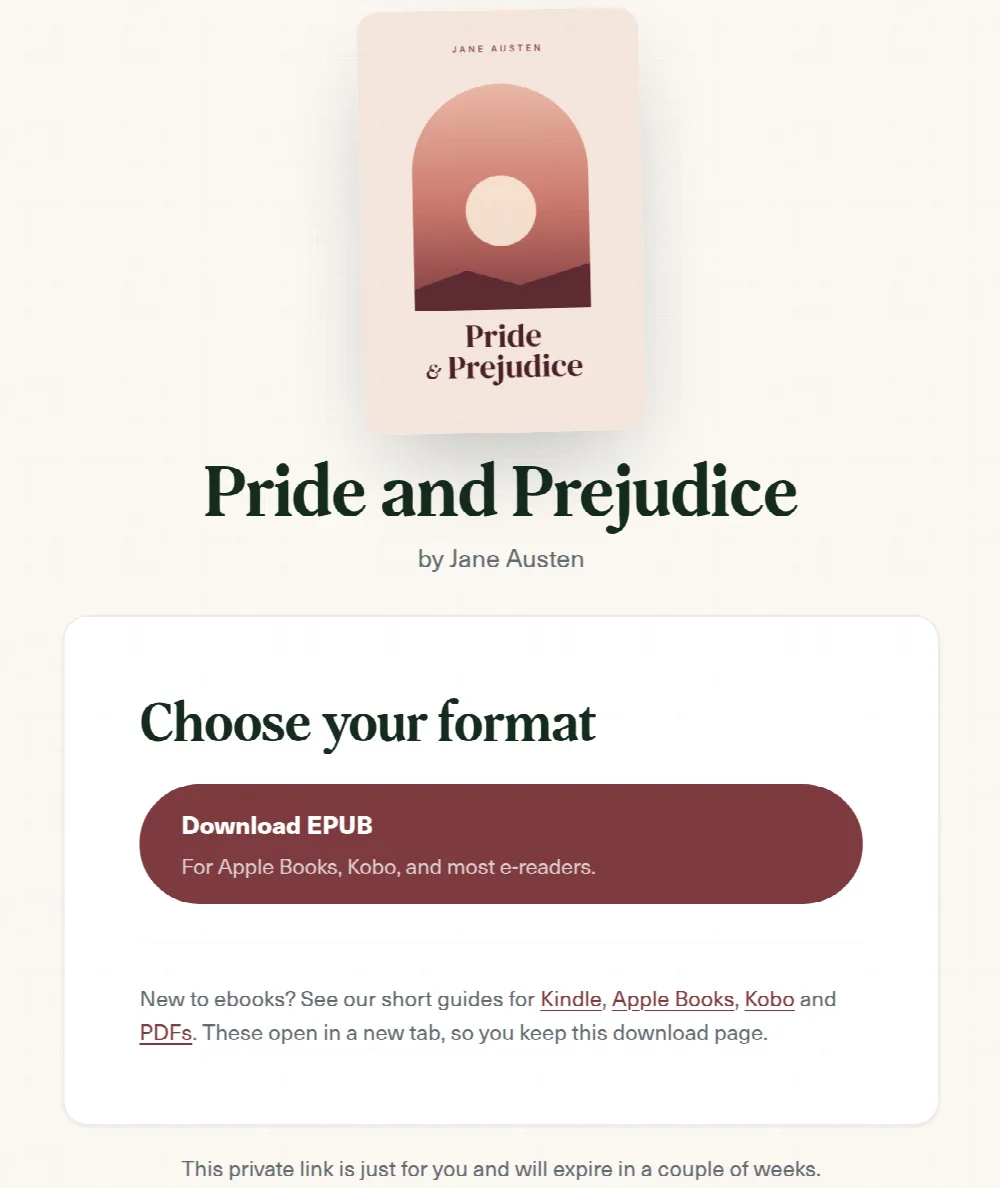
For most authors the rule is simple: lead with EPUB, and offer PDF as a fallback. EPUB gives serious readers the best experience on e-readers and phones, while PDF covers anyone who gets stuck or who wants to print. With Storyfinch you can upload both and let the reader choose on the download page, so you do not have to decide for them. If your book is heavily illustrated or designed, you may prefer to lead with PDF instead.
How to create each format
You do not need special skills to produce either file. Writing tools such as Vellum, Atticus, or Scrivener export both EPUB and PDF directly. If you write in Word, you can export a PDF from it and convert to EPUB with a free tool such as Calibre. Whichever route you take, open the finished file on a phone and an e-reader before you publish it, to check it looks right. For getting the finished file into readers' hands, see how to deliver an ebook.
Frequently asked questions
Do I need to offer both?
No, but it is worth it. Leading with EPUB and adding a PDF covers the widest range of readers for very little extra work.
What about Kindle formats like MOBI?
You do not need them. Amazon now accepts EPUB through Send to Kindle, so an EPUB plus a PDF covers Kindle readers too.
Which format is better for a phone?
EPUB. It reflows to the screen, so readers can size the text comfortably, while a PDF keeps its fixed page and often feels cramped.
Grow your list with your next book
Give readers a free book and turn them into subscribers, with secure delivery and consent built in.
Create your free accountFree plan · No card required · Set up in minutes